
Affiliate Marketing with Pinterest: How to Drive Free Traffic in 2025
Affiliate Disclaimer:
This post may contain affiliate links. If you purchase through them, I may earn a small commission at no extra cost to you.
Meta Description: Discover how to do affiliate marketing with Pinterest in 2025. Learn how to drive free traffic and earn commissions without ads.
📌 Table of Contents
- Introduction
- Why Pinterest is a Goldmine for Affiliate Marketers
- How Affiliate Marketing Works on Pinterest
- Step-by-Step: Setting Up for Pinterest Affiliate Marketing
- Do’s and Don’ts for Affiliate Marketing on Pinterest
- Helpful Tools for Pinterest Affiliate Success
- Common Mistakes to Avoid
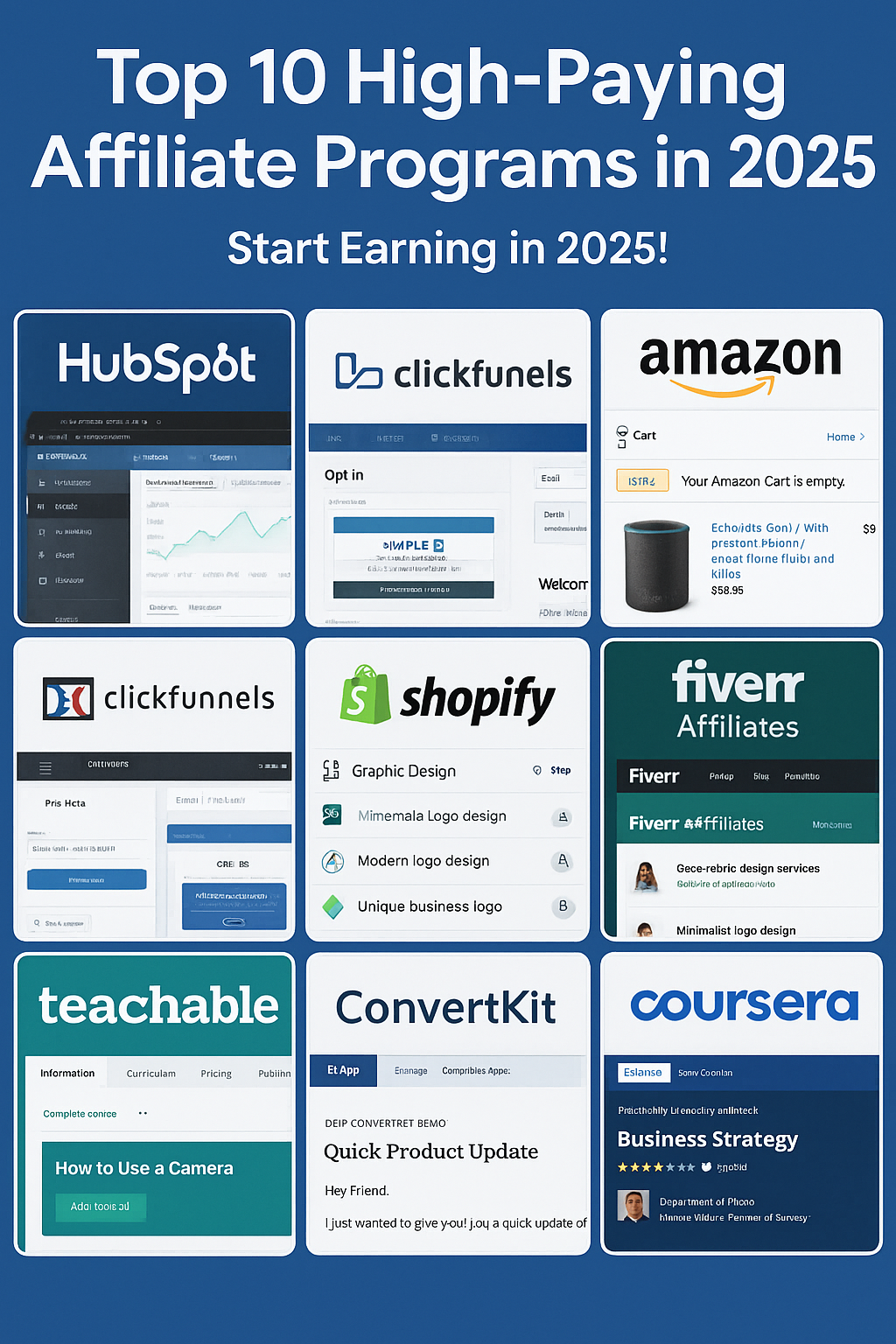
- Beginner-Friendly Affiliate Programs to Promote
- FAQs
- Conclusion and Call to Action
Introduction
If you’re struggling to get traffic to your affiliate links and don’t want to spend money on ads, Pinterest could be the solution. With over 460 million monthly active users and a visual-first platform, it’s ideal for sharing products, guides, and tips.
In this guide, you’ll learn how to use Pinterest to drive free, targeted traffic to your affiliate offers—even if you’re a complete beginner. We’ll cover best practices, tools, mistakes to avoid, and programs to join in 2025.
Why Pinterest is a Goldmine for Affiliate Marketers
- Pinterest users are action-driven: they browse with the intent to discover and purchase.
- Pins last longer than Instagram or TikTok posts—they can get traffic for months or even years.
- No need to show your face or create long-form video.
- It’s free traffic with high conversion potential.
Stats to consider:
- 85% of Pinners say they use Pinterest to plan projects (Statista)
- Pinterest drives 33% more referral traffic to shopping sites than Facebook (HubSpot)
How Affiliate Marketing Works on Pinterest
You post a “Pin” that links to an article, video, or directly to an affiliate offer. When someone clicks the link and makes a purchase, you earn a commission.
Three Ways to Use Pinterest for Affiliate Marketing:
- Direct Linking – Pin links directly to an affiliate product (allowed for most networks, but always check rules)
- Linking to a Blog Post or Review – Safer and better for SEO
- Linking to a Landing Page or Email Funnel – Great for building long-term traffic and commissions
Step-by-Step: Setting Up for Pinterest Affiliate Marketing
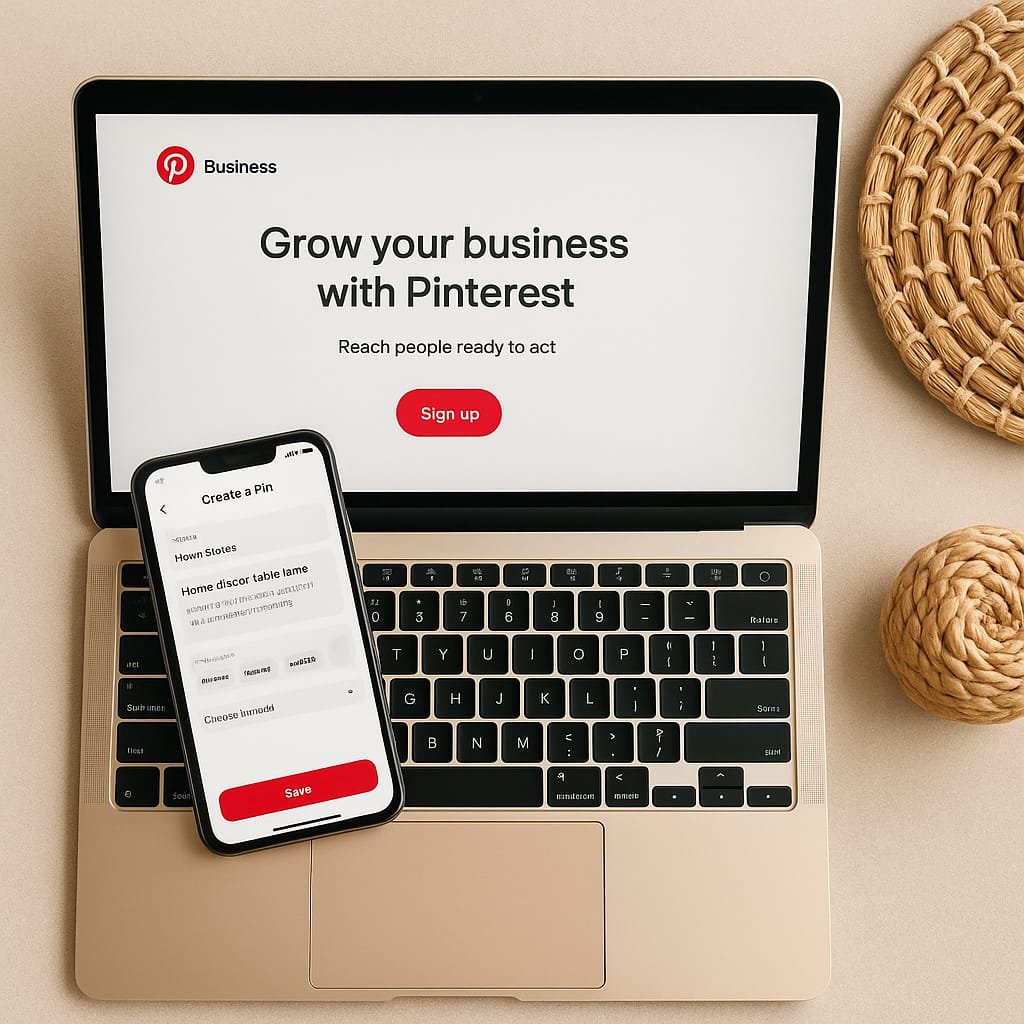
1. Create a Pinterest Business Account
- Go to Pinterest Business
- Create or convert your personal account
- Set up your bio with niche keywords and a profile picture/logo
2. Understand Pinterest SEO
Pinterest is a visual search engine, so keywords matter.
Where to use keywords:
- Pin titles
- Pin descriptions
- Board titles and descriptions
- Profile bio
3. Choose the Right Affiliate Products
- High-converting, visually appealing, and useful to your niche
- Choose offers from:
- Impact.com
- ShareASale
- Amazon Associates
- ClickBank
- Canva Affiliate
4. Design Eye-Catching Pins
- Use Canva or Adobe Express
- Stick to 1000×1500 px (2:3 ratio)
- Use bright colors, readable fonts, and overlay text
🖼️ Image Placeholder:
Example Pin Template with Product Mockup — Alt: “Stylish Pinterest Pin promoting home decor product”
5. Write SEO-Optimized Pin Descriptions
- Use keywords naturally
- Add hashtags (2–5 max)
- Include a strong call-to-action like “Click to learn more” or “Shop now”
6. Join Group Boards and Communities
- Join niche-specific group boards (use Pingroupie or search on Pinterest)
- Collaborate with other creators
7. Track Your Analytics and Optimize
- Use Pinterest Analytics and Google Analytics
- Identify best-performing Pins
- Repin or refresh old Pins regularly
Do’s and Don’ts for Affiliate Marketing on Pinterest
✅ Do:
- Disclose affiliate links
- Use vertical pins (2:3 ratio)
- Focus on quality over quantity
- A/B test different pin styles
❌ Don’t:
- Spam direct affiliate links everywhere
- Use low-resolution images
- Forget to optimize titles and descriptions
Helpful Tools for Pinterest Affiliate Success
| Tool | Purpose |
|---|---|
| Canva | Create beautiful pin graphics |
| Tailwind | Schedule and analyze pins |
| Impact.com | Access affiliate links |
| Grammarly | Polish your pin descriptions |
Common Mistakes to Avoid
- Not checking affiliate program terms for Pinterest promotion
- Ignoring Pinterest SEO
- Not tracking clicks or conversions
- Linking to irrelevant or low-quality products
Beginner-Friendly Affiliate Programs to Promote
| Program | Commission | Best For |
| Amazon Associates | Up to 10% | Everyday products |
| Canva | Up to $36 | Creators, designers |
| ShareASale | Varies | Digital and physical products |
| Printful | 10% for 12 months | Print-on-demand sellers |
| ConvertKit | 30% recurring | Bloggers, marketers |
FAQs
Q1: Can I put affiliate links directly on Pinterest?
Yes, but check each affiliate program’s rules. Some prefer you link to a blog or landing page.
Q2: How often should I post Pins?
Ideally, 3–5 new Pins per day. Consistency matters more than quantity.
Q3: Do I need a blog to use Pinterest for affiliate marketing?
No! You can link directly or use landing pages and email funnels.
Q4: Does Pinterest allow affiliate links?
Yes, Pinterest allows affiliate links as long as they follow community guidelines.
Q5: What niches work best on Pinterest?
Home decor, health & fitness, DIY, fashion, parenting, travel, and finance.
Conclusion and Call to Action
Pinterest affiliate marketing in 2025 offers a rare combo: free traffic, evergreen content, and high engagement. Whether you’re a beginner or just looking to diversify your traffic sources, this method is a must-try.
👉 Ready to start? Sign up for a Pinterest Business account and join an affiliate program like Impact.com or ShareASale today.
Also, don’t miss our guides on:
Build momentum today and earn tomorrow—without spending a dime on ads.
👉 Read our Affiliate Disclosure to learn more about how we earn commissions.
🔐 Learn how we protect your data in our Privacy Policy.